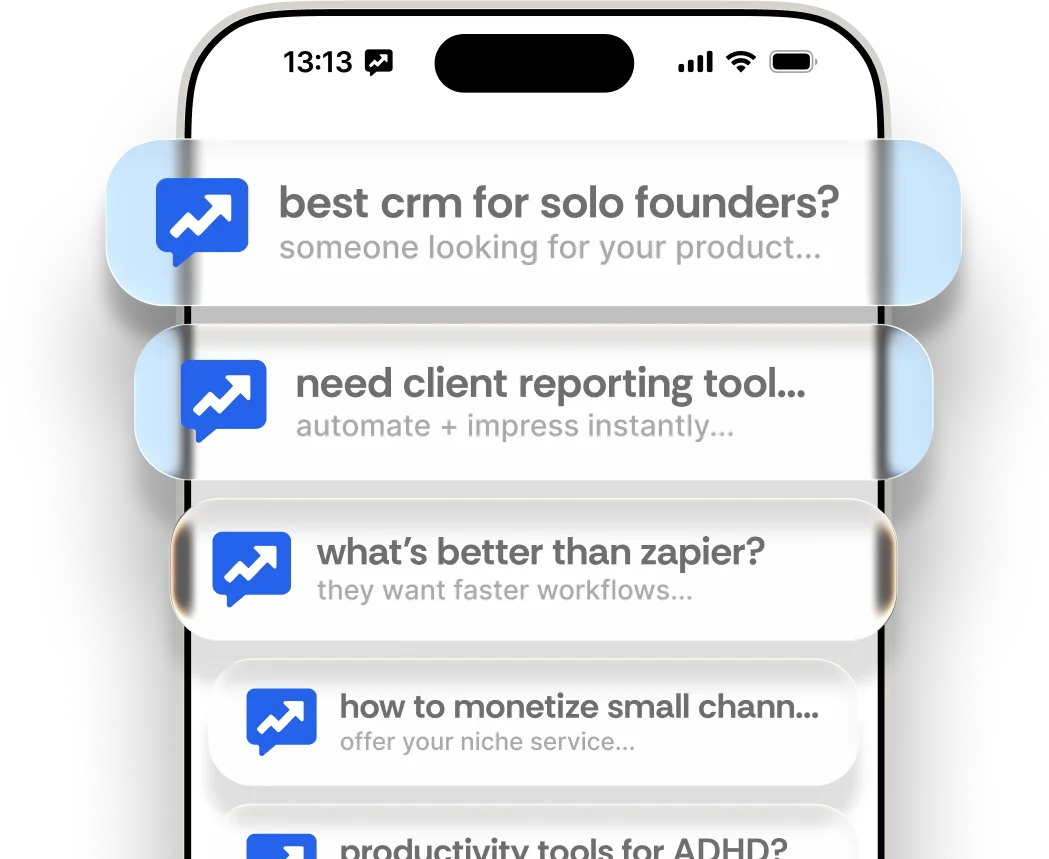
Finding potential customers on Reddit, Hacker News, Bluesky, and X used to mean hours of manual searching. ReplyGain does it for you automatically. Here’s how to get up and running.
How do I sign up for ReplyGain?
Head to replygain.com and click “Find My First Lead”. Sign in with Google or your email - no password needed.
To try the full feature set before committing to a subscription, grab the 7-day pass ($9 one-time). It gives full access to lead scoring, your lead feed, and reply generation for a week.
How do I add my website and set up monitoring?
Enter your website URL. ReplyGain reads your site and automatically figures out what you do - no manual setup required. It suggests keywords and communities to monitor based on your product.
| What ReplyGain auto-generates | What you can customize |
|---|---|
| Keywords (direct intent, competitor mentions) | Add your own keywords, remove irrelevant ones |
| Platforms to monitor | Search your keywords across Reddit, HN, Bluesky, and X |
| Keyword types (direct, competitor, custom) | Change the type for any keyword |
Take a moment to review the suggestions. Then hit “Start Monitoring” and ReplyGain gets to work.
What does my lead feed show?
Your dashboard shows a feed of warm leads, each scored by purchase intent. New leads appear as your keywords are searched across enabled platforms on a schedule tied to your plan (every 4 hours on Pro, every 2 hours on Business).
Each lead shows:
- The original post and where it was found (subreddit, Hacker News, or Bluesky)
- An intent score (0–100) showing how strong the buying signal is
- A short explanation of why it was flagged for you
- The number of upvotes and comments
Start with the highest-scored leads. These are people most likely to be interested in what you sell.
How do I generate and post a reply?
Click any lead to open it. Hit “Generate Reply” and ReplyGain writes a helpful, personalised reply for you based on the post context and your product’s value prop. Read it over, tweak it if you like, then copy and post it yourself directly in the community.
ReplyGain never posts automatically - you always review and post the reply yourself. This keeps your accounts safe and your voice authentic.
What are the plan limits?
| Plan | Price | Leads/mo | AI Replies | Websites | Scan frequency |
|---|---|---|---|---|---|
| 7-Day Pass | $9 one-time | 1,000 | 1,000 | 1 | Every 12 hours |
| Starter | $29/mo | 1,000 | 1,000 | 1 | Every 12 hours |
| Pro | $79/mo | 5,000 | 5,000 | 5 | Every 4 hours |
| Business | $199/mo | 10,000 | 10,000 | 10 | Every 2 hours |
Add-on credits (100 extra leads or AI replies) are available for $9 each if you run out before the billing cycle resets.
Questions? If you need help, log in and open support chat so our team can assist you quickly.